
Support tickets with transcripts
Each ticket is a private channel between whoever opens it and the staff. When it’s deleted, Catita saves an HTML transcript that looks just like the Discord chat. Configure it in /settings > Tickets.
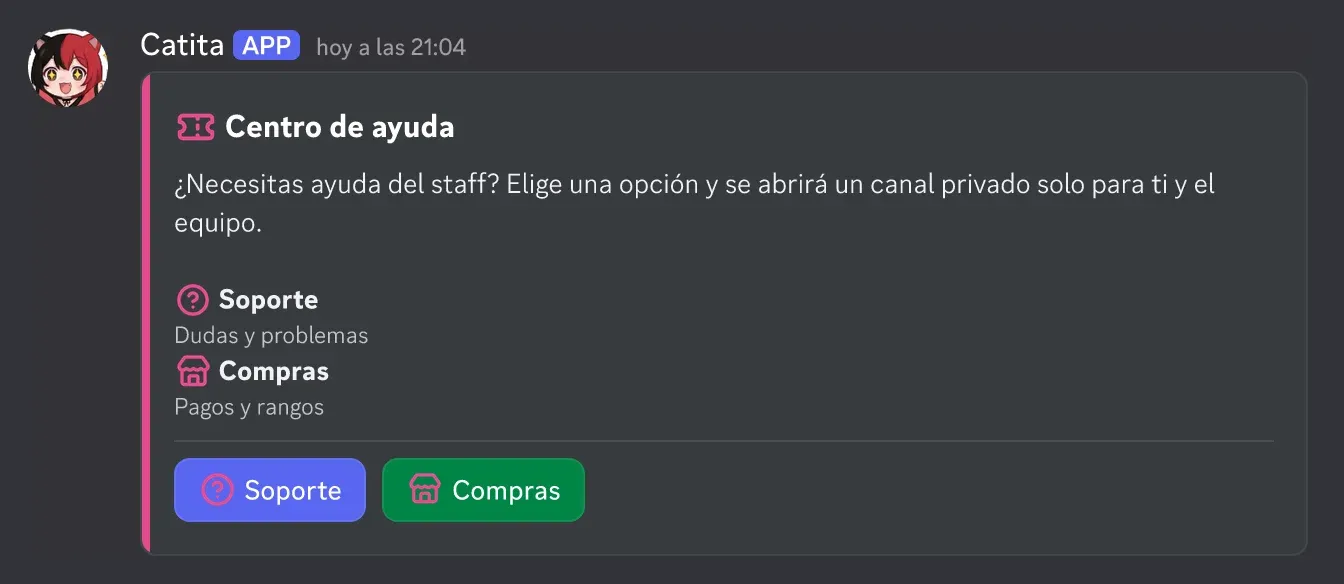
Getting started
Section titled “Getting started”/settings> Tickets > Quick setup: creates the categories, the log channel, a “Support” type with one question and the panel.- In General, pick the staff roles.
- Adjust the rest whenever you like: more types, questions, texts, limits or more panels.
Catita needs Manage Channels and Manage Roles.
What you configure
Section titled “What you configure”| Screen | What’s there |
|---|---|
| General | Staff, log and transcript channels, closed category, limits, claiming, priorities, required close reason and transcript by DM |
| Types | Welcome, icon and color, image, up to 5 questions, category, roles, limits, cooldown, slow mode, auto-close and auto-delete |
| Panels | Which types show, buttons or a menu, title, text, image, color and up to 3 links |
| Blacklist | Who can’t open tickets |
Channel names come from a template with {type}, {number}, {user}, {userid} and {random}, for example support-0007. No text is fixed, and the type and panel screens have a preview.
Inside a ticket
Section titled “Inside a ticket”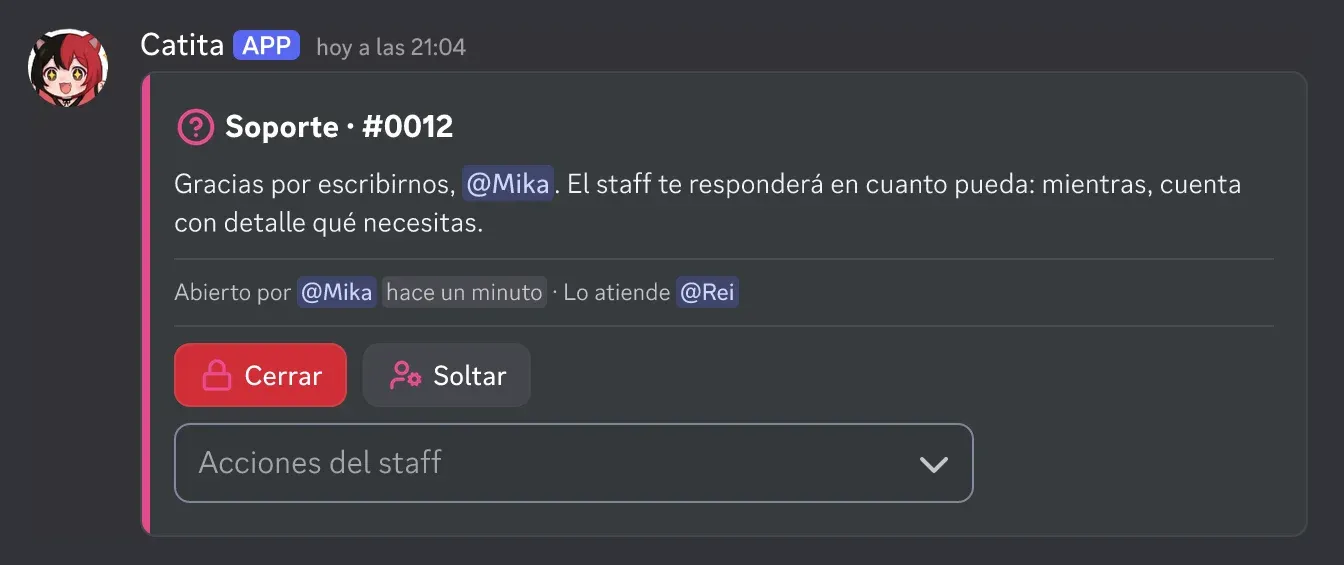
Buttons to close and claim, and a staff menu to add or remove people, rename, change the topic, type or priority, pin and transfer the ticket to someone else. Everything also exists as a command (/ticket close, /ticket claim…).
Transcripts
Section titled “Transcripts”When a ticket is deleted, the transcript keeps the chat as it looks in Discord: Markdown, code, embeds, Components V2, buttons, images, videos, stickers, reactions and replies, with a ticket summary on top. It goes to the transcript channel and by DM to whoever opened it, with a link to view it in the browser. Images are refreshed when opened; if Discord no longer has them, it says “Expired”. Transcripts are deleted after 180 days.
Commands: tickets reference.
Catita is a project by Random Dev, a development studio owned by ZENU GROUP LLC. catita.gg