
Set up Catita with /settings
/settings opens Catita’s settings panel. It requires the Manage Server permission. Everything is done with Discord menus, buttons and forms: there is no settings website and no commands to memorize.
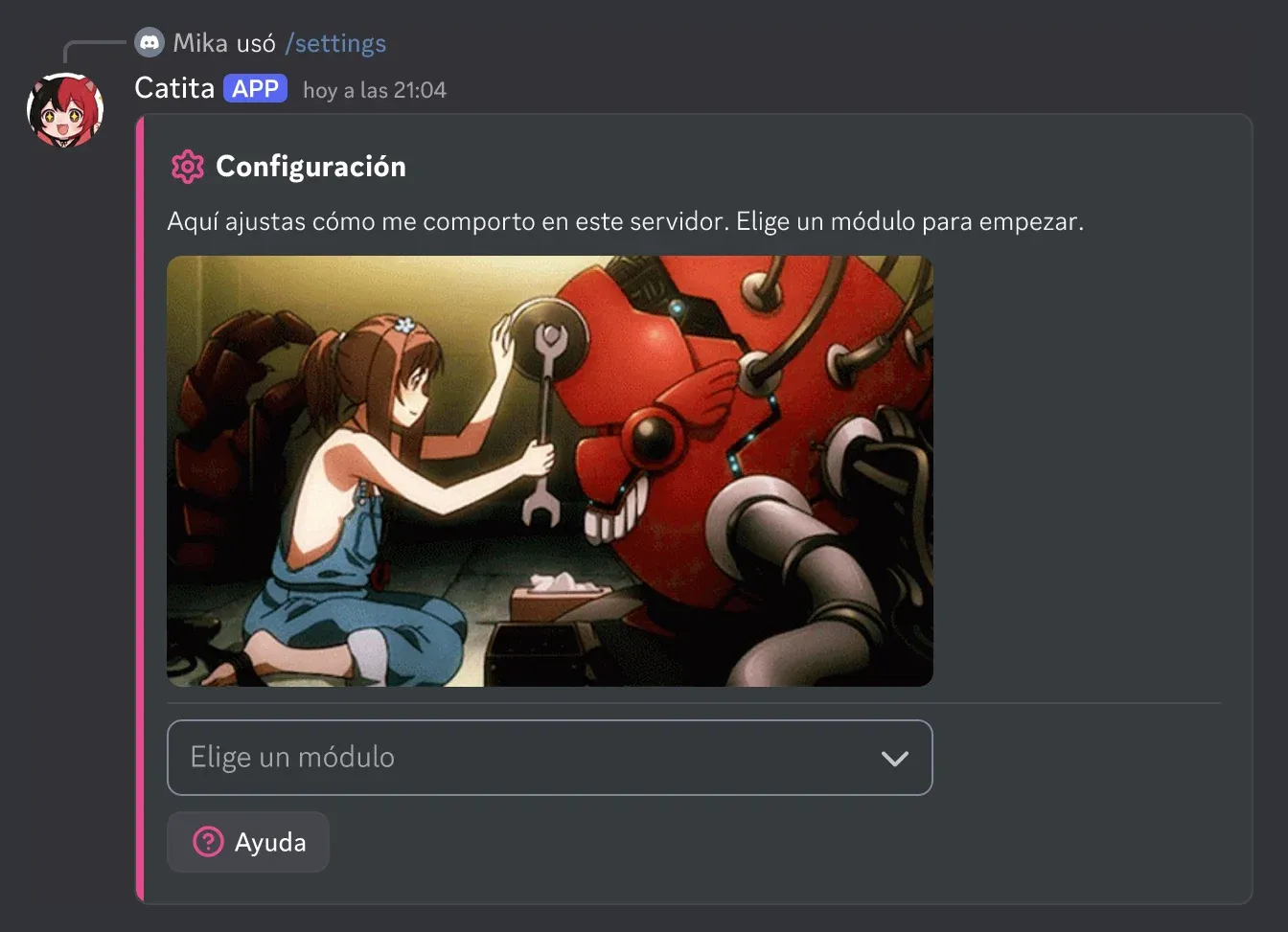
Modules
Section titled “Modules”| Module | What it configures | Guide |
|---|---|---|
| Leveling | Instances, XP sources, rewards, rebirth, streaks, announcements and filters | Leveling |
| Moderation | Log channel, DM notice, required reason and context, default timeout | Moderation |
| Highlights | Boards of messages highlighted by reactions | Highlights |
| Economy | Currency, bank, taxes, chat money and instances | Economy |
| Showcase | Which display modes people can use, and who | Showcase |
| Clans | Creation, members, points, shop, roles and seasons | Clans |
| Music | DJ role, panel channel, volume, skip votes, limits, 24/7 and autoplay | Music |
| Temp voice | “Join to create” hubs, templates and cooldown | Temporary voice |
| Tickets | Types, questions, panels, staff, transcripts and blacklist | Tickets |
| Language | Which language Catita speaks in the server | — |
How it works
Section titled “How it works”- Each screen explains itself and has a Help button with more detail.
- Menus reset after use, so you can pick the same option again.
- You see edits before publishing: announcements, ticket panels and welcome messages have a preview.
- No text is fixed: announcements, panels and messages Catita sends can be changed, and whatever you leave empty is not shown.
Catita is a project by Random Dev, a development studio owned by ZENU GROUP LLC. catita.gg